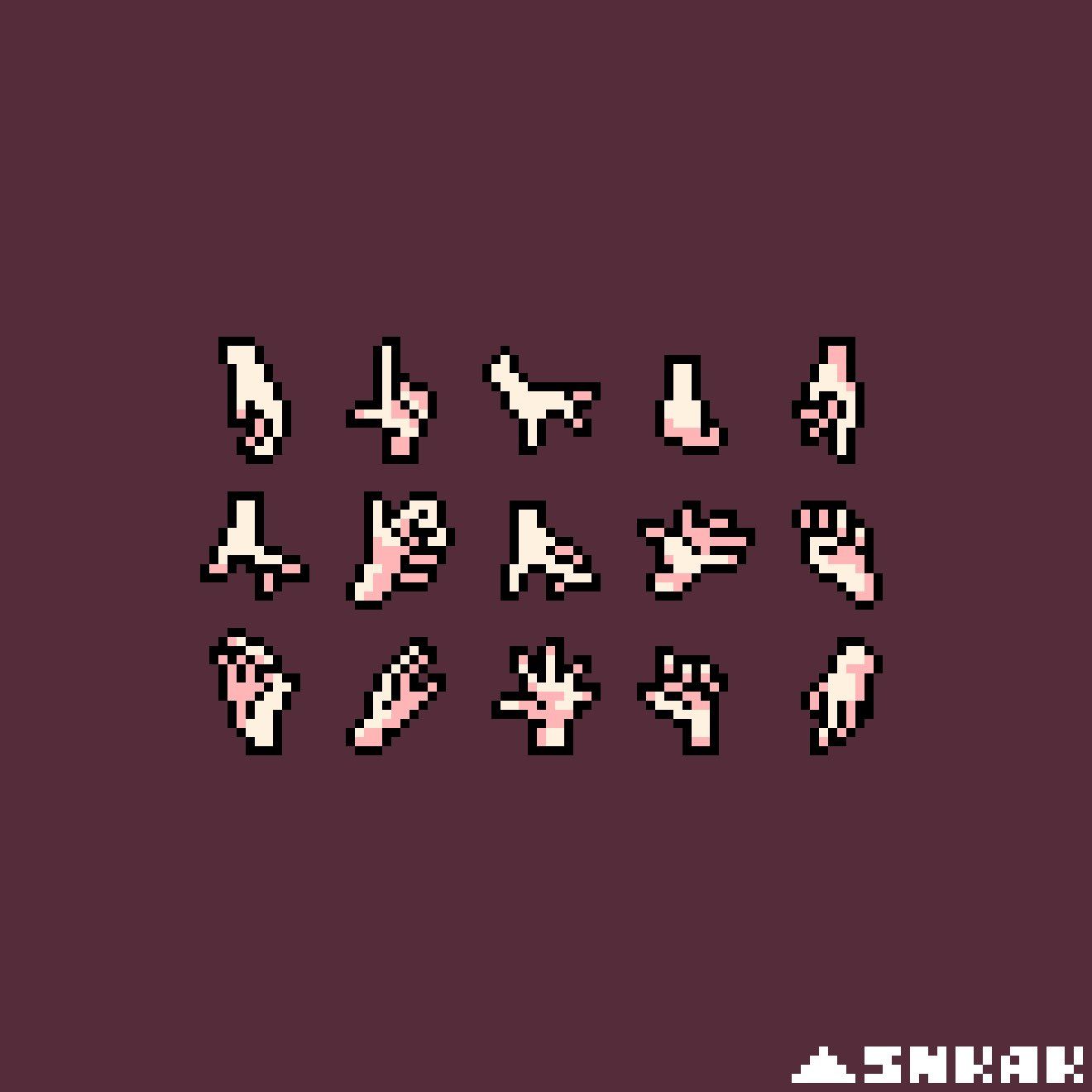
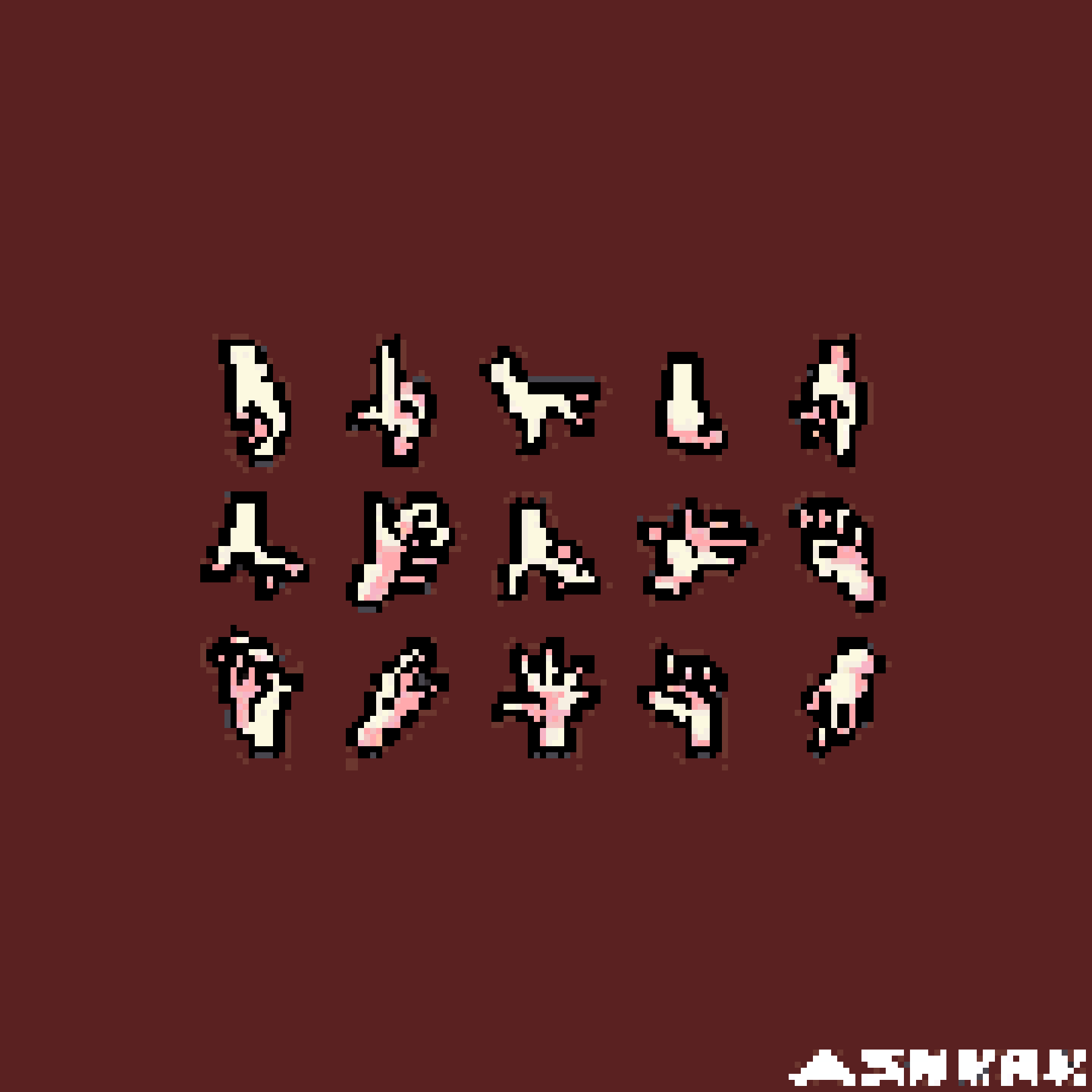
Collection of 8-bit Hand Poses Pixel Art Perler Bead Pattern
This perler bead pattern features a variety of 8-bit hand poses in a simple pixel art style. Perfect for creating retro-themed pixel art projects.

Prefer starting from the exact same source image? One click will carry it into the editor so you can generate your own version.
About this pattern
This perler bead pattern features a variety of 8-bit hand poses in a simple pixel art style. Perfect for creating retro-themed pixel art projects.
The pattern uses a 180x180 grid, 24 colors, and about 32400 beads in the MARD system. That keeps the page useful for both crafters and searchers looking for an advanced collection of 8-bit hand poses pixel art bead pattern.
Pattern specs
Grid size
180 x 180
Difficulty
Advanced
Color system
MARD
Published
21 mar 2026
Colors
24
Estimated beads
32400
Palette breakdown
#5A2121
29196 beads
#000000
1681 beads
#FCF9E0
378 beads
#6C372F
275 beads
#F6EFE2
224 beads
#FFA9AD
186 beads
#FEFFFF
114 beads
#F3C1C0
77 beads
#F7B4C6
67 beads
#48464E
58 beads
#FFFFFF
46 beads
#FFF3EB
39 beads
How to make it
- 1. Study the chart and split the work into small sections instead of trying to finish the whole board at once.
- 2. Prepare the colors listed above before you begin so you do not break your flow midway through the build.
- 3. Assemble the main silhouette first, then fill the accent colors and tiny details.
- 4. Compare progress with the preview image before ironing, especially around corners and contrast-heavy areas.
FAQ
What does this collection of 8-bit hand poses pixel art pattern show?
It turns the original collection of 8-bit hand poses pixel art image into a bead chart that keeps the main silhouette, color blocking, and recognizable details intact. That makes the page useful as both a visual preview and a real build reference instead of a thin image post.
Is this collection of 8-bit hand poses pixel art pattern beginner-friendly?
It is more of an advanced project. The chart is still manageable, but it is best suited to crafters who are comfortable sorting colors and working section by section rather than improvising as they go.
How many colors and beads does it use?
This pattern uses 24 colors and about 32400 beads in the MARD color system. Pre-sorting the palette before you start will save time once you get into the main build flow.
Is this more of a single-subject design or a collection-style page?
It reads more like a collection-style page than a single large subject. Multiple small motifs share the same layout, so it works best when you treat it as a series of mini sections instead of one uninterrupted build.
What is the best way to plan a build for this collection of 8-bit hand poses pixel art pattern?
With a 180x180 grid, 24 colors, and roughly 32400 beads, the safest approach is to work in small modules. Breaking the chart into rows, cells, or clusters makes error-checking much easier and helps the build feel less overwhelming.
Who is this pattern best for?
It is best for makers who want enough information to judge effort before they start. Because the page includes specs, counts, previews, and guidance, it works well as a practical build landing page.
Can I turn my own image into a similar pattern?
Yes. Upload your own image in the editor, tune the grid, and submit it for review if you want a public gallery page of your own. If the content is safe and the page has enough useful detail, it can become part of the public index as well.