Saltar navegação
Oferta por tempo limitadoAté 50% OFF
00:00:00:00

BeadPatternAI Perler Bead Pattern Maker

Describe an idea or upload a photo → craft-ready bead pattern

1 · Photo

2 · Subject

3 · Look

4 · Background

Balanced sticker look · recommended default
Fewer colorsMore detail

6 · Style

Describe

Flow: upload (optional) → describe → choose subject/look. Confirm → editor.

0/2000

Try an example

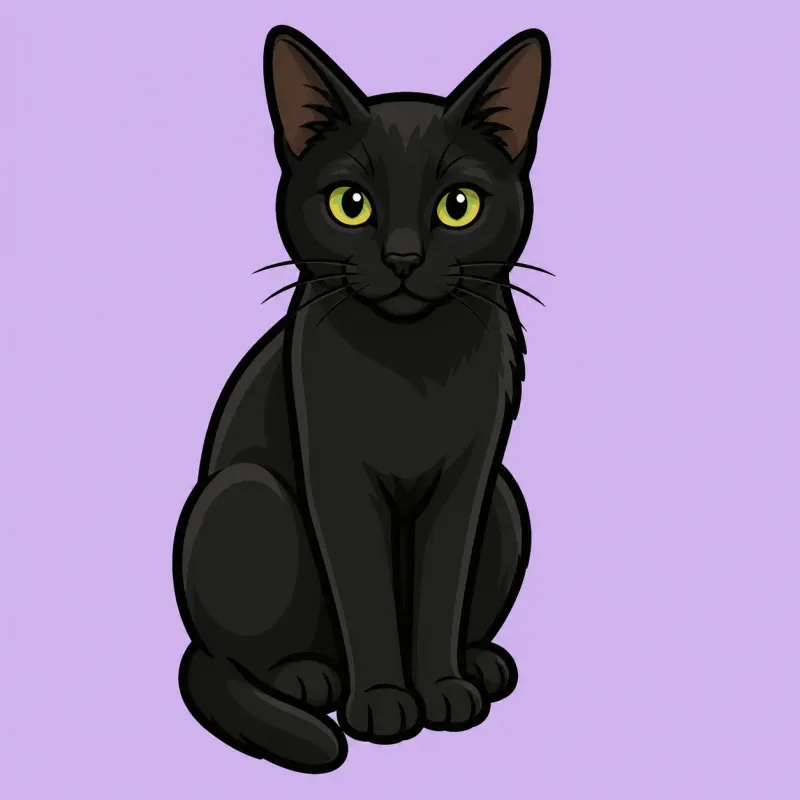
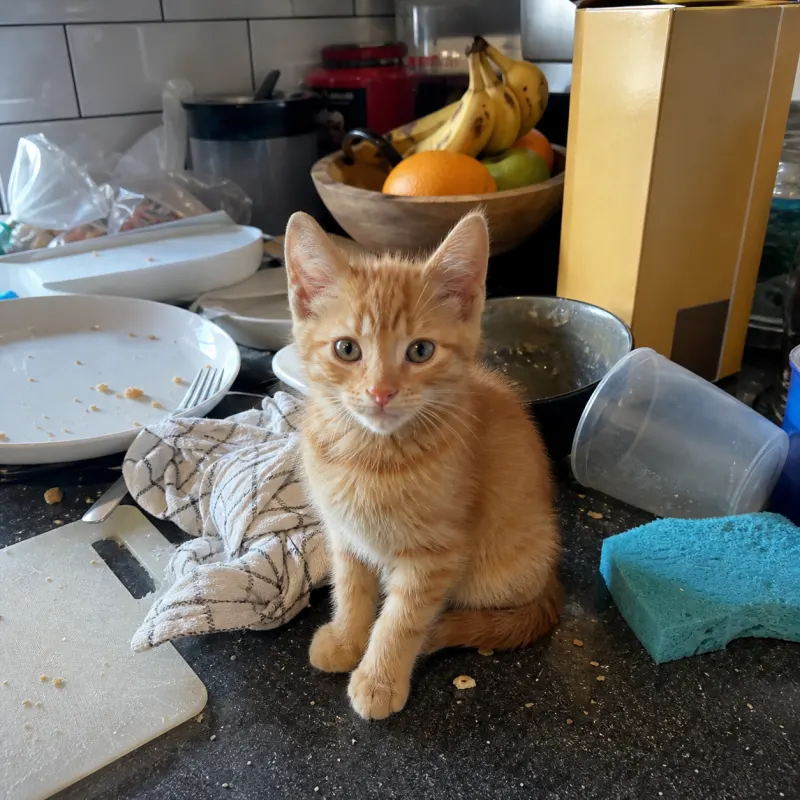
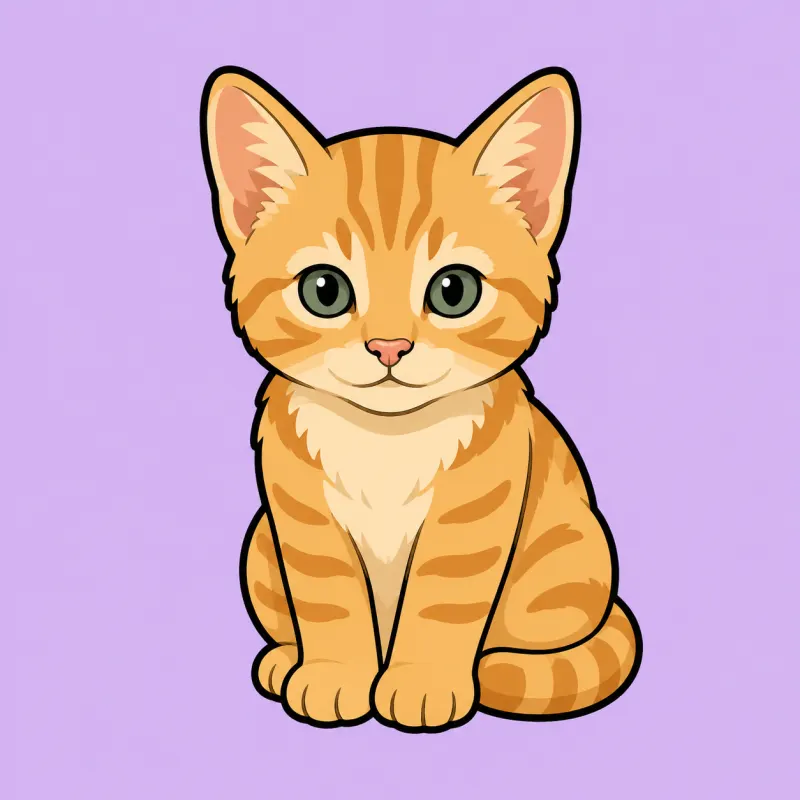
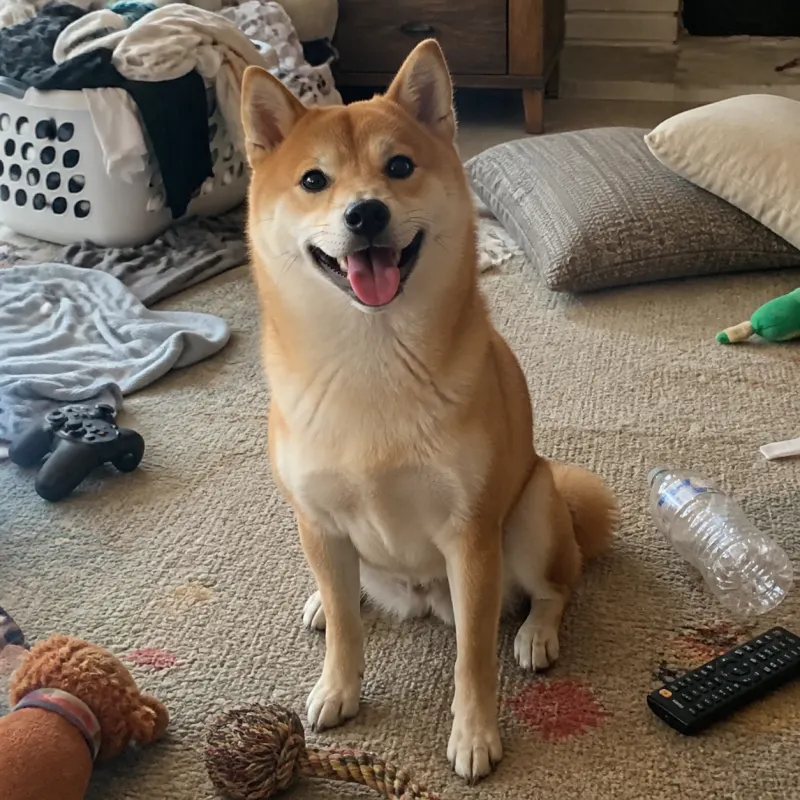
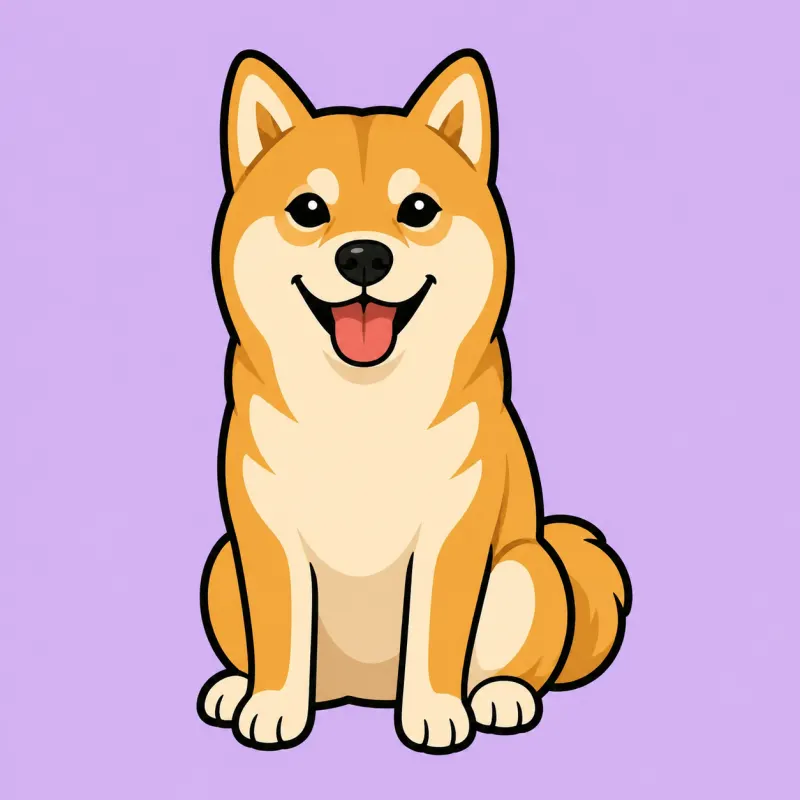
Original
Chibi
Original
Chibi
Original
Chibi
Original
Chibi
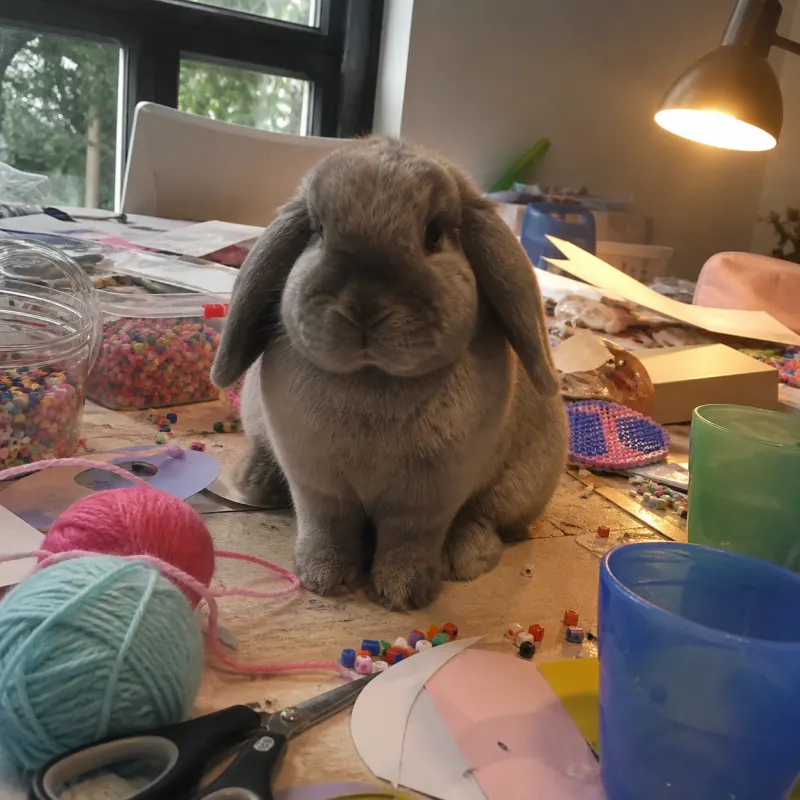
Photo
Photo
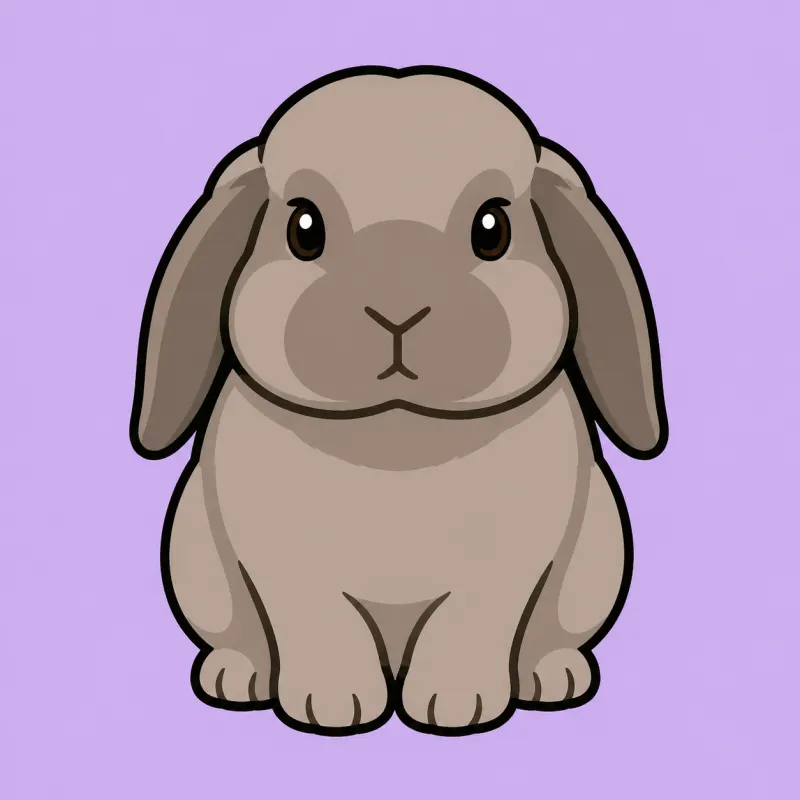
Illustration
Illustration
Bead pattern
Bead pattern

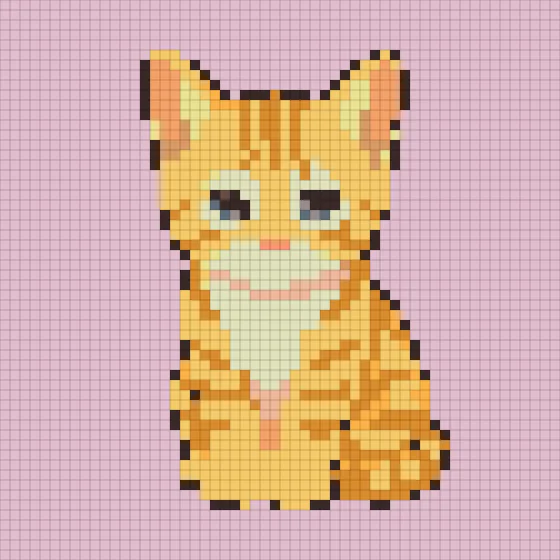
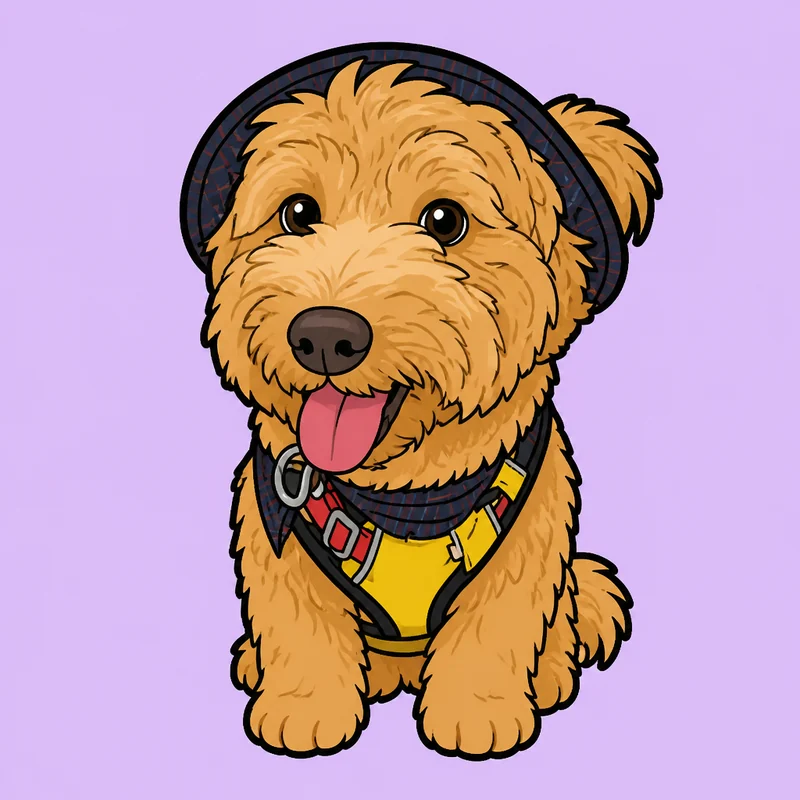
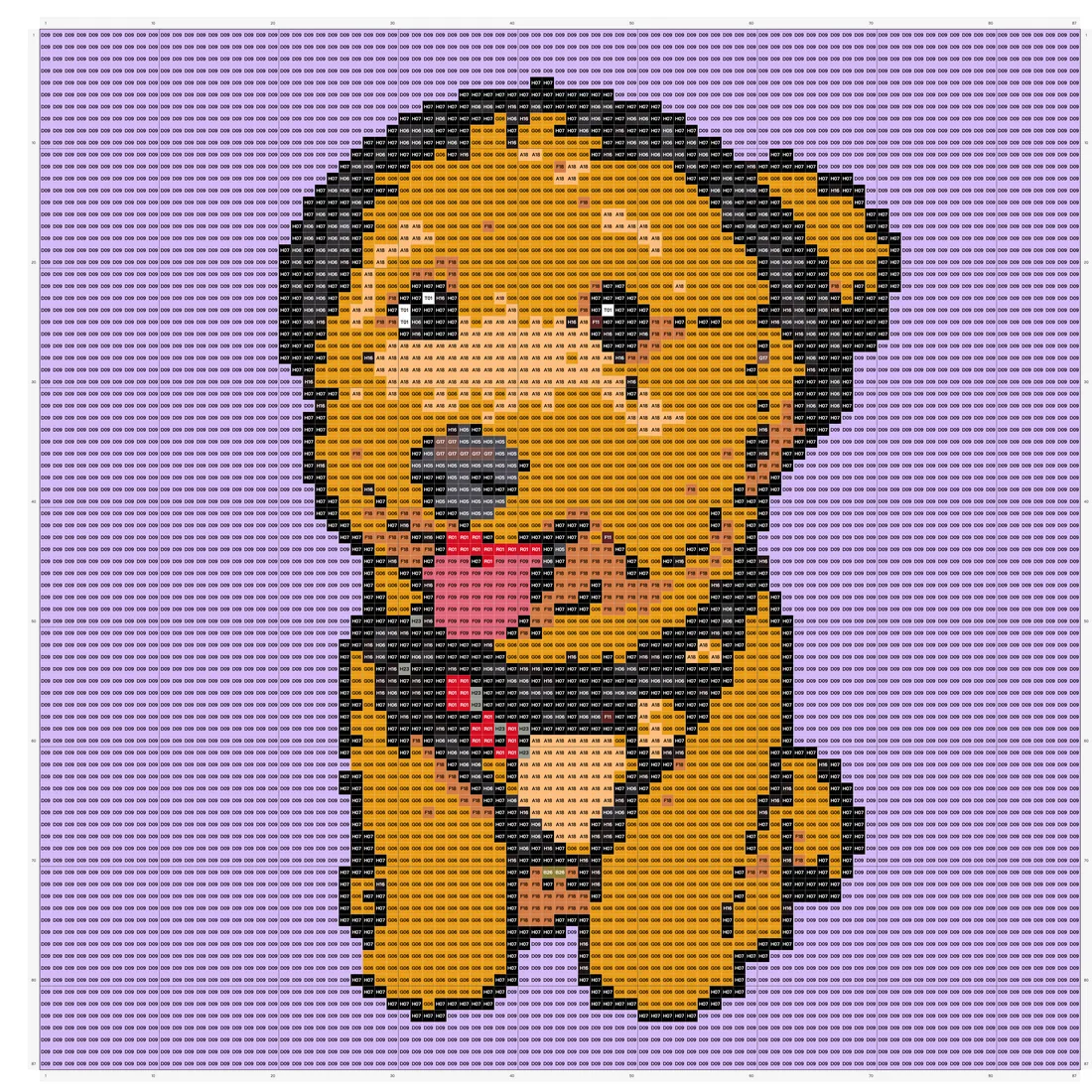
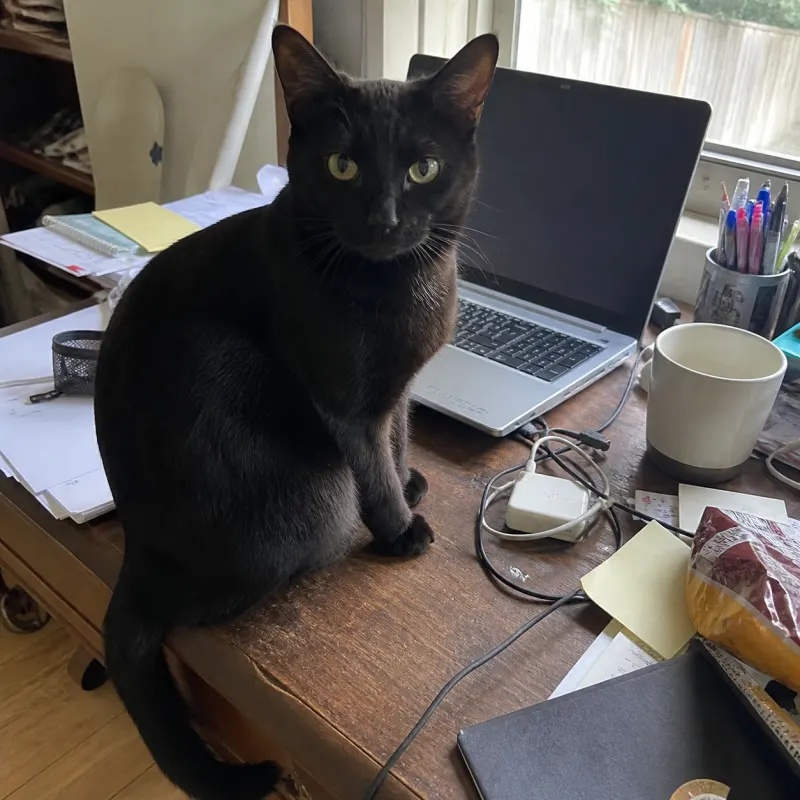
Photo → illustration → numbered bead pattern

Turn a text prompt or a photo into a printable Perler, Hama, or fuse bead pattern — with real bead color codes, bead counts, and an editable grid you can actually build.

  1. 01AI turns your idea or photo into a bead-ready design
  2. 02Smart color matching to real Perler / Hama / Artkal beads
  3. 03Export a printable pattern, color legend, and bead shopping list

Pattern Maker

What is a Perler bead pattern maker?

Virtual Pegboard Canvas

A Perler bead pattern maker is a browser-based tool that helps you design perler bead patterns on a virtual pegboard. Whether you call them fuse beads, Perler beads, or iron beads, the concept is the same: arrange colored beads on a board, iron them together, and create pixel-style artwork. This tool handles the planning so you can focus on crafting.
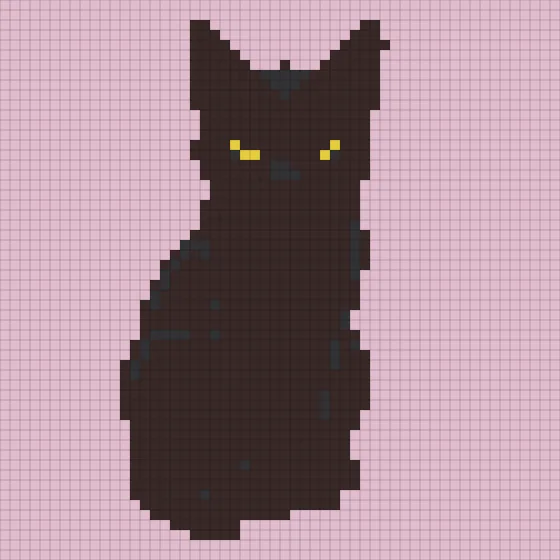
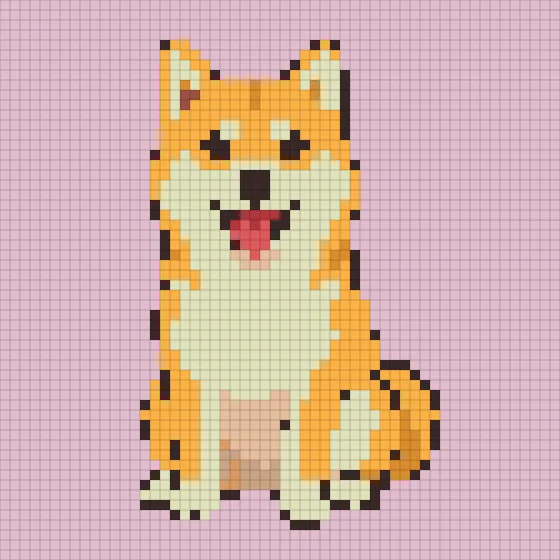
Photo to Bead Pattern

The photo-to-pattern path lets you upload any image—a pet snapshot, a game sprite, a logo—and the tool converts it into a bead-ready grid. A built-in pixel editor lets you refine the result bead by bead, swap colors, and resize the board before you export. Free users receive a monthly allowance of photo-convert exports to get started.

AI Bead Pattern Generator

The AI path takes a different approach: describe what you want or upload a reference photo, and AI generates a bead-friendly base image for you. From there, it enters the same editor with mapped color codes from Perler, Hama, and Artkal palettes. Choose a pegboard size—29, 58, 87, or 116 beads per side—and fine-tune before exporting.

PerlerHamaArtkal295887116

Get Started

How to make a Perler bead pattern from a picture

Two paths to your next bead project—upload a photo or let AI create the starting image.

Upload any photo to the converter, and it will map each pixel to the closest real bead color on a pegboard grid you can edit and export.

PHOTOPAID AI
Upload Your Image

Drag a photo into the converter. The tool resizes it to fit your chosen pegboard dimensions automatically.

Adjust the Grid

Use the pixel editor to swap individual bead colors, erase stray pixels, and pick from real Perler, Hama, or Artkal color palettes.

Choose Pegboard Size

Select a quick-set board size of 29, 58, 87, or 116 beads per side, or enter a custom dimension that matches your project.

Export and Build

Download a printable bead chart, a color-code legend, and a shopping list so you know exactly which beads to buy and where to place them.

Why This Tool

Why use BeadPattern for your bead projects?

Real Brand Color Codes

Each bead maps to a verified Perler, Hama, or Artkal color number sourced from community testing, so your shopping list is ready before you leave the screen.

Nothing to Install

The entire editor runs in your browser. No downloads, no plugins—just open the page on any device and start designing.

AI-Assisted Design

Describe an idea or upload a reference image, and AI generates a bead-friendly starting point in about a minute. Requires a login and AI credits to use.

Print-Ready Exports

Export a printable bead chart, a color legend with brand codes, and a shopping list that tells you exactly how many of each color you need.

Project Inspiration

Real Pattern Examples & Workflows

Explore practical bead crafting workflows from beginner single-board gifts to multi-board custom portraits.

PHOTO

Custom Pet Portrait

58 × 58PerlerPhoto Upload Workflow

Convert a clear pet photo onto a 4-pegboard Perler layout, clean up facial contrast in the editor, and export your assembly guide.

  1. 01Upload your pet photo by dragging or clicking into the browser canvas.
  2. 02Select the 58 × 58 grid and Perler palette to generate the initial pixel mapping.
  3. 03Use the pixel editor to refine eyes, whiskers, and smooth background stray beads.
Printable grid patternPerler color legend with bead codesBead count shopping list

Export uses your monthly free allowance or export credits. Physical Perler beads may vary slightly in shade from screen approximations.

PHOTO

Mini Character Keychain

29 × 29HamaQuick Photo Workflow

Turn a simple character icon into a beginner-friendly 29 × 29 Hama bead pattern ideal for keychains or badges.

  1. 01Upload a high-contrast icon or logo directly from your device.
  2. 02Choose the standard 29 × 29 pegboard and limit to essential Hama shades.
  3. 03Tidy up single orphan beads in the editor for stronger fused borders.
Compact 1-to-1 printable patternHama color reference chartColor-coded shopping checklist

Keep bead outlines clean on small 29 × 29 boards so the finished piece irons together securely.

PAID AI

Original Fantasy Character Wall Art

87 × 87ArtkalAI Prompt Workflow

Generate a bead-ready fantasy character base with AI in about 1 minute, then polish colors and outlines across an 87 × 87 Artkal canvas.

  1. 01Log in and use paid AI credits to enter your character prompt.
  2. 02Wait about 1 minute for the AI to generate a bead-friendly base design.
  3. 03Open the draft in the editor to fine-tune Artkal palette shades and edge details.
Multi-page printable grid mapArtkal color code keyComprehensive bead shopping list

Requires an active account with paid AI credits or subscription. Palette values are community-measured references.

Loved by Crafters

Hear from the bead community

Megan R.

Pet Portrait Crafter

I uploaded a photo of my cat and the color-code mapping was so close to the real Perler beads I barely had to adjust anything in the editor. The printable chart and shopping list saved me a trip back to the store for missing colors.

David L.

Gift Maker

I wanted to make a custom bead portrait as a birthday gift but had no idea where to start. The photo converter broke the image down onto a 58-bead pegboard, and the export gave me a clear legend. My friend thought I designed it from scratch.

Sophie T.

Beginner Beader

I'd never done fuse beads before and was intimidated by blank pegboards. Being able to upload an image and see every bead color-coded on screen made the whole process feel manageable. The step-by-step chart was like paint by numbers for beads.

Carlos M.

Etsy Seller

The AI base-image feature lets me prototype new designs faster than sketching by hand. I describe a concept, wait about a minute, then fine-tune the colors in the editor. It has genuinely sped up my workflow for listing new bead art in my shop.

Elena K.

Large Canvas Crafter

I dragged a landscape photo into the uploader to map across an 87-bead board with Artkal colors. The monthly free photo-export quota let me test the full printable pattern before committing to a huge project. The color legend made sorting my shades completely painless.

Marcus T.

Retro Sprite Crafter

Using my paid AI credits to generate base patterns has saved me hours of manual grid planning. In about a minute, BeadPattern gives me a great starting layout that I can convert to Hama palettes on a 29-bead board. Tweaking the individual bead pixels in the editor is super smooth.

Ananya P.

Family Activity Planner

I clicked to upload my daughter's drawing directly into the photo converter for our weekend project on a 29-bead board. Having the browser generate an organized shopping list for Perler beads meant we bought exactly what we needed. The printable legend kept the kids focused from start to finish.

Julien B.

Convention Vendor

My paid AI subscription lets me generate fresh base designs directly into the bead editor whenever inspiration strikes. Waiting about a minute for a bead-friendly design and refining it to Artkal shades on an 87-bead canvas has streamlined my shop prep. The browser export gives me crisp, ready-to-iron patterns every time.

Rachel W.

Wall Art Creator

Converting high-contrast portraits onto a massive 116-bead grid for Hama beads works seamlessly in the editor. Even though physical bead shades can slightly differ from screen colors, being able to fine-tune each peg before printing makes all the difference. The full printable pattern and color codes made assembling a multi-board wall piece straightforward.

Start Your Bead Pattern Now

Upload a photo or describe your idea to create a printable, color-coded bead pattern in minutes.

Open the Pattern Maker

AI Credits

Power Your Creativity with AI

Use credits to generate AI cartoons and convert images into bead charts. Both tools draw from the same balance on this page.

10 credits per AI cartoon, 5 credits per bead chart. Failed generations are not charged, and tweaking grid or palette settings on the same image is free.

1 AI cartoon = 10 credits · 1 bead chart = 5 credits

Shared wallet: 10 credits for an AI cartoon, 5 credits for a bead chart

Basic

For hobbyists and casual crafters

$10.00
$5.00/ month

Billed $59.99/year

2400 credits (~240 cartoons) at $59.99/yr

credits

2400Up to 240 cartoons / year
  • Billed annually
  • Full-year credits granted at once
  • Spend credits on AI cartoons or bead charts
Best Value

Pro

For regular beaders and pattern designers

$16.66
$8.33/ month

Billed $99.99/year

5040 credits (~504 cartoons) at $99.99/yr

credits

5040Up to 504 cartoons / year
  • Billed annually
  • Full-year credits granted at once
  • Spend credits on AI cartoons or bead charts

Max

For high-volume creators and shop owners

$33.33
$16.67/ month

Billed $199.99/year

12000 credits (~1200 cartoons) at $199.99/yr

credits

12000Up to 1200 cartoons / year
  • Billed annually
  • Full-year credits granted at once
  • Spend credits on AI cartoons or bead charts

Pay safely and securely with Stripe

MastercardAmerican ExpressUnionPayJCBApple PayGoogle PayLink

Available payment methods are confirmed on the Stripe Checkout page

For cancellations, billing questions, or plan changes, contact support@beadpattern.net

Sem geração por IA

Foto para padrão de beads

No watermark + Unlimited downloads + Cloud sync · Sem geração por IA

Recommended

Pro

No watermark + Unlimited downloads + Cloud sync

$59.80
$29.90/ano

Cobrado $29.90/ano

Downloads ilimitados

  • Lado máximo de 300 pixels
  • 5 sistemas de cores
  • Paleta personalizada
  • Exportar sem marca d'água
  • Downloads ilimitados
  • Sem geração por IA
  • Sincronização na nuvem

Lifetime

One-time purchase, same features as Pro

$79.80
$39.90pagamento único

Downloads ilimitados

  • Lado máximo de 300 pixels
  • 5 sistemas de cores
  • Paleta personalizada
  • Exportar sem marca d'água
  • Downloads ilimitados
  • Sem geração por IA
  • Sincronização na nuvem

Everything You Need to Know

BeadPattern's generator combines a photo-to-pattern converter with an AI image creator, all inside a browser-based pixel editor. Whether you are recreating a family photo or designing something entirely new, the tool maps every bead to a real brand color code so your finished project matches what you see on screen as closely as possible.

Below you will find answers to common questions about pricing, supported bead brands, pegboard sizes, and how AI generation differs from a simple photo upload. If anything is still unclear after reading, reach out to us through the site and we are happy to help.

Frequently Asked Questions

What is this AI Perler bead pattern maker?+
It is a browser-based tool that offers two workflows on one page. You can upload a photo and convert it into a bead pattern, or you can use AI to generate a bead-friendly base image from a text description or reference photo. Both paths lead into a pixel editor where you refine colors, adjust the grid, and export your finished pattern.
Is the pattern maker free to use?+
Every new user gets 1 lifetime free AI generation upon login and 1 free photo-to-bead conversion every UTC day. Beyond that, AI generation costs 10 credits and photo conversion costs 5 credits. If AI generation fails, no credits are deducted, and adjusting grid sizes or palettes on the same image is free. Free accounts include 3 watermarked downloads per month, while active credit balances or export packs unlock watermark-free exports.
How do I make a bead pattern from a picture?+
Upload your image to the photo converter. The tool maps each pixel to the nearest real bead color and displays the result on a virtual pegboard. You can then swap colors, resize the board, and edit individual beads in the pixel editor before exporting a printable chart and shopping list.
Does it support Perler, Hama, and Artkal fuse beads?+
Yes. The color palette includes mapped color codes for Perler, Hama, and Artkal bead lines, along with additional brand palettes. On-screen colors are based on community-verified samples, though slight differences between screen and physical bead colors are normal.
What pegboard sizes are available?+
The tool offers quick-set pegboard sizes of 29, 58, 87, and 116 beads per side. You can also enter a custom dimension if your project calls for a non-standard board layout.
What can I export from my pattern?+
You can export a printable bead chart that shows bead placement, a color-code legend listing every brand color used, and a shopping list with bead counts per color. All three are designed to be printed or saved for reference while you build.
Do I need to install any software?+
No. The entire tool runs online in your browser. There is nothing to download or install—just visit the page and start creating. It works on desktop and mobile browsers.
What is the difference between AI generation and photo conversion?+
AI generation creates original cartoon or pixel art patterns from text prompts (10 credits per generation). Photo conversion turns your uploaded images directly into bead patterns (1 free per UTC day, then 5 credits per conversion). Both tools allow you to adjust grid sizes, palettes, and bead counts for the same image without additional credit deduction.