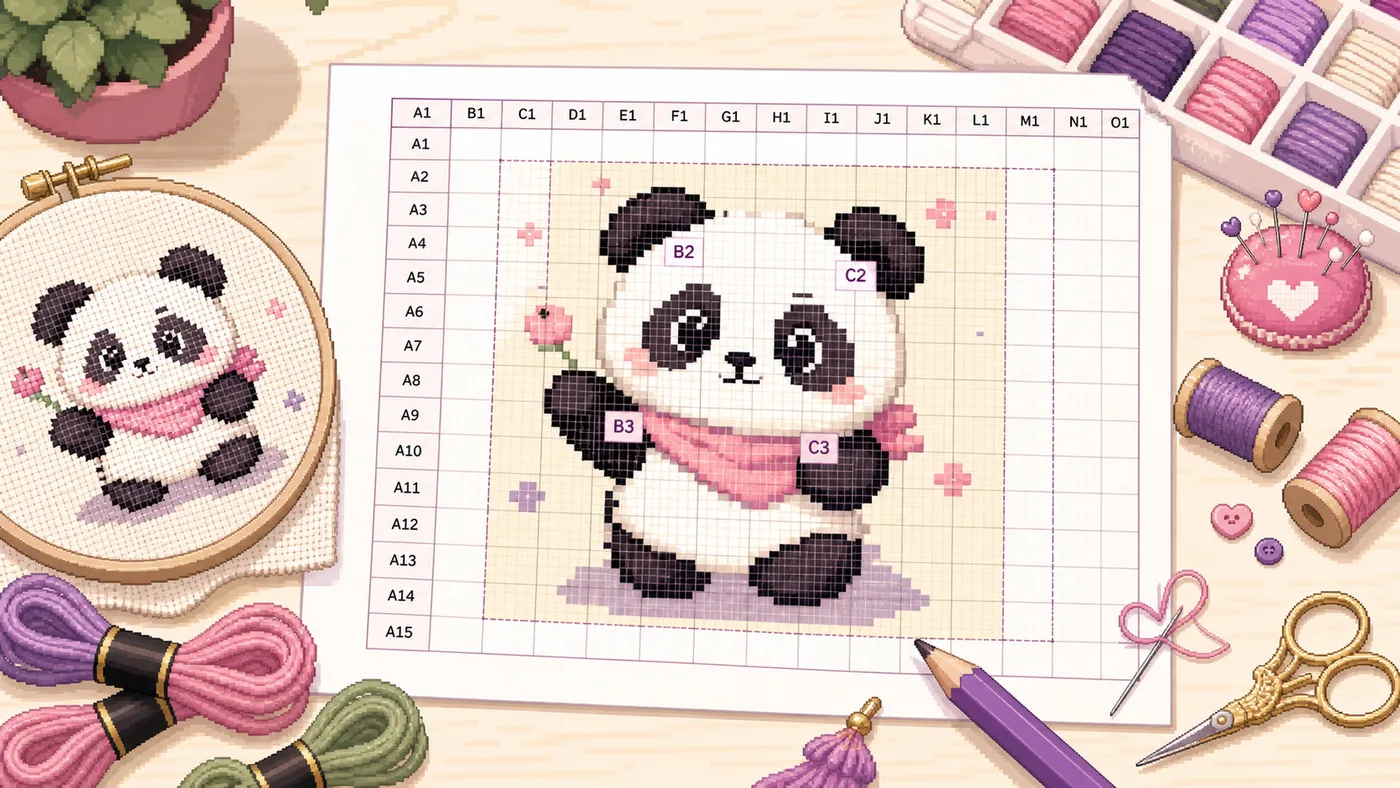
Cross Stitch Grid Maker: Turn Any Picture into a Printable Stitch Reference
A cross stitch grid maker is useful when you want to place a picture on a printable grid before committing to a full pattern.
The important distinction is simple: the Cross Stitch Grid Maker creates a printable stitch reference. It does not generate a finished DMC symbol chart, floss list, stitch count, or fabric size calculation.
That is not a weakness. It is the point. Sometimes you need a lightweight image to grid workflow for planning, teaching, counting practice, or embroidery layout before you decide whether a picture deserves a full chart.
What a Printable Stitch Reference Is
A printable stitch reference is your source image with a visible grid over it. You can use it to inspect shapes, follow coordinates, discuss sections, or manually simplify a design.
It is especially useful when the image is still in the planning stage. You may want to test the crop, see whether the subject reads clearly, or mark areas that should become background before you build a real pattern.
Think of it as a working sheet, not the final instruction set.
What This Tool Does Not Generate
This tool is not a full photo to cross stitch pattern generator. It will not choose DMC floss colors, assign symbols, calculate fabric count, estimate thread quantities, or output a shopping list.
If you need a chart you can stitch directly from, use the Cross Stitch Pattern Generator instead. That is the right path when your goal is a real DMC symbol chart and material planning.
Use the grid maker when your goal is reference. Use the pattern generator when your goal is production.
When a Cross Stitch Grid Maker Is the Right Tool
A printable cross stitch grid is best when you are still deciding how the project should work.
For example, a pet photo may look charming as a photo but collapse into noisy patches once reduced to stitches. A grid reference lets you catch that early. You can see whether the eyes, ears, outline, or logo shape still land in readable places.
It is also useful for teachers, sellers, and hobbyists who need to talk about a design before generating a formal chart. Coordinates make feedback concrete: look at C4, simplify the shadow in D6, remove the background from A1 to B3.
How to Turn an Image into a Printable Cross Stitch Grid
Start with a clear picture. A good source image has a readable subject, strong outline, and limited background clutter.
Open the Cross Stitch Grid Maker, upload the image, and set the grid density. For early planning, avoid making the grid too dense. A crowded grid can look precise while making the reference harder to read.
Adjust line color, line width, and transparency so the image remains visible under the grid. If the photo has many colors or weak contrast, try black-and-white mode to judge the shape without color noise.
Turn on coordinate labels when you need to print, teach, or discuss the image with someone else. Download the gridded image and print it as a working reference.
Choosing Grid Density
Do not confuse a denser grid with a better pattern. A dense reference can still produce an impractical chart if the image has too many tiny color changes.
Color View or Black-and-White View?
Color view is useful when the original picture has clean blocks, logos, icons, or simple character art.
Black-and-white view is better when you need to judge value, outline, and contrast. If the black-and-white stitch reference is unreadable, a full color chart will probably be hard to stitch too.
Printable Reference Grid vs Full DMC Symbol Chart
A reference grid asks: does this image make sense when divided into stitch-like areas?
A DMC symbol chart asks: which floss color and symbol should I stitch in each cell?
Those are different stages of the same workflow. Use the Cross Stitch Grid Maker when you want to inspect and plan. Use Cross Stitch Pattern Generator when you are ready for DMC mapping, symbols, and a stitchable output.
Practical Workflow
Common Mistakes
The biggest mistake is expecting a reference grid to behave like a finished pattern. It will not tell you which floss to buy or how many stitches wide the final design should be.
Another mistake is using a busy photo without simplifying it first. Hair texture, grass, shadows, and soft backgrounds can look fine in a photo but become a mess in stitch planning.
A third mistake is printing too small. If the grid labels, lines, or image details are hard to read on paper, the reference will slow you down instead of helping.
Quick FAQ
Is this a cross stitch pattern generator?
No. It is a cross stitch grid maker for printable reference sheets. For DMC colors, symbols, floss lists, and stitchable charts, use the Cross Stitch Pattern Generator.
Can I use the grid as a counted cross stitch chart?
Only for rough manual planning. It is not a finished counted chart because it does not assign floss colors or symbols to cells.
Is it useful for embroidery too?
Yes. An embroidery grid can help with layout, proportion, and discussion before you transfer or redraw a design.
Final Thoughts
A cross stitch grid maker is most valuable before the final charting step. Use the lightweight grid first. When the design is ready for DMC colors, symbols, and a real stitching plan, move to the full Cross Stitch Pattern Generator.